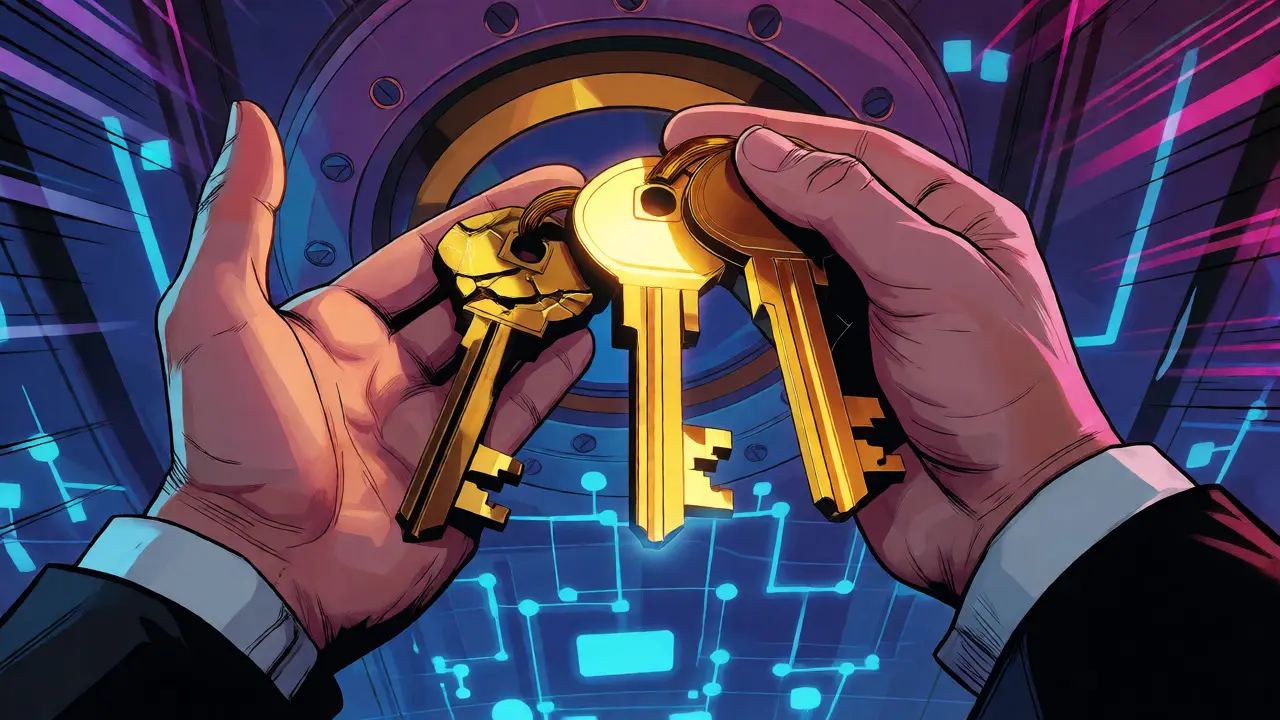
You spent months setting up your multi-signature (multisig) wallet. You distributed keys across different devices and locations. You felt invincible. Then, disaster strikes: your hardware wallet breaks, or a trusted co-signer loses their seed phrase. Panic sets in. Can you still access your funds? The short answer is yes, but only if you planned for it. Most people focus on the security of multisig but neglect the recovery process until they are locked out.
Here is the hard truth: multisig isn't just about adding more locks; it's about having enough keys to open them when one fails. If you don't understand how recovery in multi-signature setups works, you risk turning your secure vault into a permanent tombstone for your crypto. Let’s break down exactly how to get your coins back without needing a tech support hero.
The Core Logic: M-of-N Configurations
To recover funds, you first need to understand the math behind your setup. Multisig wallets operate on an "M-of-N" rule. N represents the total number of private keys generated for the wallet. M represents the minimum number of signatures required to authorize a transaction. For example, in a 2-of-3 setup, you have three keys total, but you only need any two of them to move money.
This structure is your safety net. If you lose one key in a 2-of-3 setup, you aren't locked out. You still have two keys left, which meets the threshold. However, if you lose two keys, you are stuck. You cannot meet the requirement of two signatures. This distinction is critical. Many users panic because they think losing any key means losing everything. It doesn’t. But it does mean your margin for error shrinks.
| Configuration | Total Keys (N) | Required Signatures (M) | Keys Allowed to Lose | Best For |
|---|---|---|---|---|
| 1-of-2 | 2 | 1 | 1 | Simplicity, low friction |
| 2-of-3 | 3 | 2 | 1 | Standard personal custody |
| 3-of-5 | 5 | 3 | 2 | High-security institutional use |
What You Actually Need to Recover
People often assume that having the private keys is enough. In multisig, it’s not. You need two specific components to reconstruct your wallet on new software:
- M Private Keys: You must have at least M valid private keys. These are usually derived from seed phrases stored on metal plates or paper backups.
- The Output Descriptor: This is the blueprint of your wallet. It tells the software how the keys were combined, what script type was used (like P2WSH or Taproot), and the derivation paths.
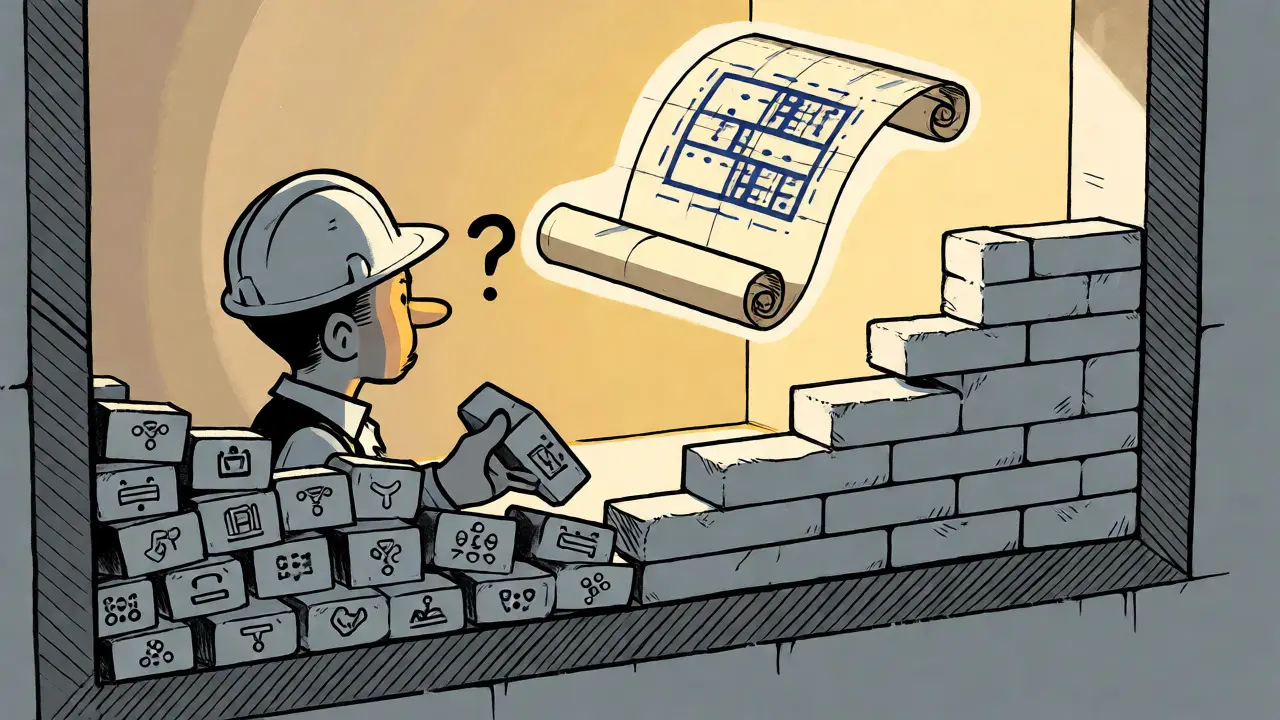
Without the output descriptor, you have raw keys but no map to assemble them. Imagine trying to build a house with bricks but no architectural drawings. You might figure it out eventually, but you’ll waste time and make mistakes. Providers like Casa and Nunchuk emphasize exporting this descriptor during initial setup. If you didn’t do this, you’re in for a harder ride.
Step-by-Step Recovery Process
Let’s walk through a realistic scenario. You lost your primary hardware wallet. You have your backup seeds and your exported descriptor file. Here is how you get your funds back using a desktop wallet like Sparrow Wallet.
- Install Desktop Software: Download Sparrow Wallet or Specter Desktop. These tools handle complex multisig logic better than most mobile apps.
- Import the Descriptor: Load your saved output descriptor file. This recreates the wallet structure. Do not try to manually enter keys unless you know exactly what you are doing.
- Verify Public Keys: Check that the public keys displayed match your records. This confirms the descriptor is correct.
- Connect Available Signers: Plug in the remaining hardware wallets or import the seed phrases for the available keys. Ensure they are connected via USB or air-gapped methods as configured.
- Create a Transaction: Attempt to send a small amount of BTC to yourself. The software will create a Partially Signed Bitcoin Transaction (PSBT).
- Sign with M Keys: Use your remaining active signers to sign the PSBT. Each signer adds its signature.
- Broadcast: Once the transaction has M signatures, broadcast it to the Bitcoin network.
If you don’t have the descriptor, you can sometimes reconstruct it by scanning the blockchain address and testing common derivation paths, but this is tedious. Tools like Bitcoin Core’s scantxoutset command can help verify if your keys correspond to known addresses.
Pitfalls That Trap Users
Recovery fails more often due to human error than technical glitches. Here are the traps to avoid:
- Missing Descriptors: The #1 cause of failed recovery. If you didn’t export the descriptor, you might spend hours guessing derivation paths. Always back this up alongside your seeds.
- Incompatible Standards: Some older wallets used non-standard scripts. If you switch from a proprietary provider to a standard tool like Sparrow, ensure the BIP standards (BIP48, BIP67) match. Mismatches lead to "invalid signature" errors.
- Lost Co-Signer Access: In shared multisig setups, if a partner loses their key, you might fall below the M threshold. Regular check-ins with co-signers are vital.
- Hardware Firmware Issues: Sometimes, a broken device isn’t broken-it’s just outdated firmware. Updating a hardware wallet before declaring it dead can save you a recovery headache.
Provider-Specific Nuances
Not all multisig services treat recovery the same way. Your experience depends heavily on who built your wallet.
BitPay uses a copayer model where each participant holds their own seed. If you lose your seed, BitPay support explicitly states they cannot restore it for you. You are on your own. Their system relies on strict individual backups.
Casa offers a more guided approach. Their "Keymaster" system allows for easier recovery if you maintain contact with their service. They can assist in verifying descriptors, though true sovereign recovery still requires you to hold the keys.
Nunchuk simplified things recently by allowing easy export of BSMS (Bitcoin Standard Multisig Specification) files. If you exported these, importing them into Sparrow is nearly instant. If you didn’t, you face a manual reconstruction challenge.
Theya focuses on sovereign control. Their recovery guide assumes you have the output descriptor and two keys. It’s powerful but demands higher technical literacy. There is no "reset password" button here.
Testing Your Recovery Plan
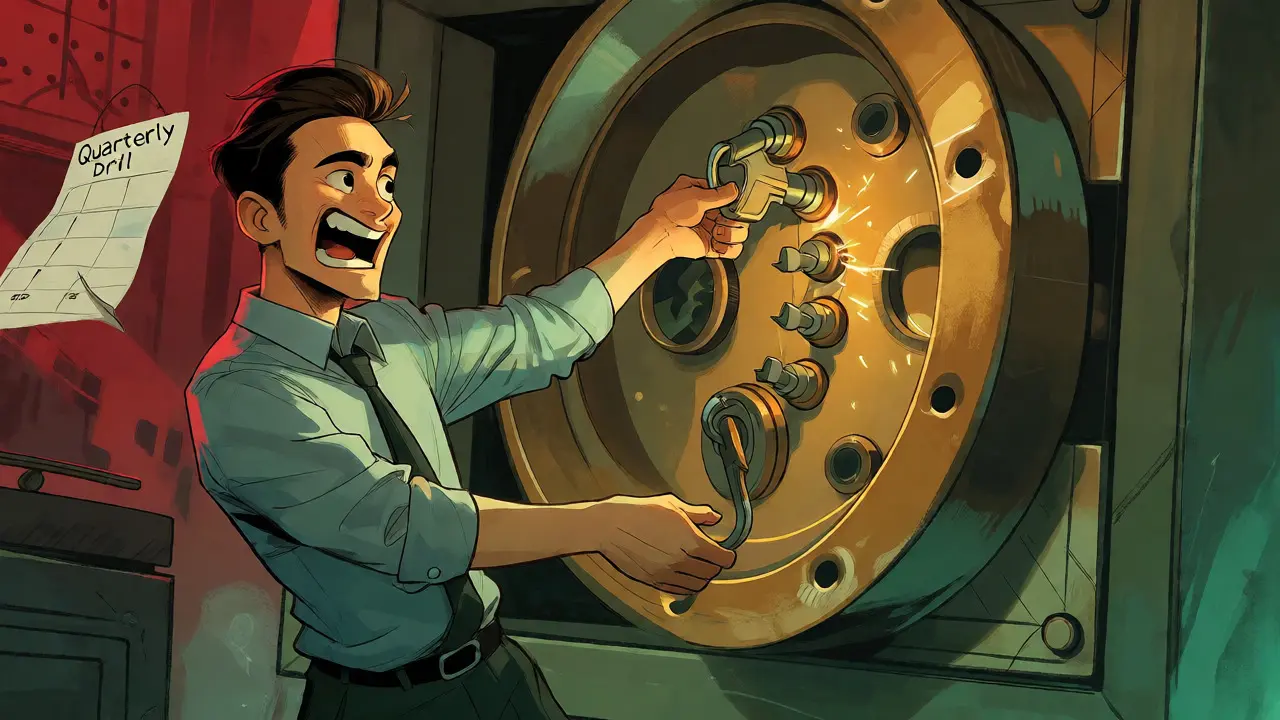
You wouldn’t buy a car without checking if the brakes work. Don’t trust your multisig recovery without testing it. Schedule a quarterly drill. Move a tiny amount of BTC (like $10 worth) using your secondary keys. Confirm it arrives. Then, simulate a loss: remove one key from your routine and see if you can still transact smoothly. This builds muscle memory and confidence.
Consider the cost of failure. A study of Reddit threads showed that while technical users had a 68% success rate in DIY recovery, non-technical users faced a 3% total fund loss rate. The difference wasn’t luck; it was preparation. Those who tested their recovery path succeeded. Those who waited for disaster struggled.
Future-Proofing Your Setup
The landscape is changing. New standards like Taproot offer privacy benefits for multisig, making transactions look like single-sig payments. As adoption grows, tools are becoming smarter. Automatic descriptor exports and standardized formats like BIP352 are emerging. Keep your software updated. What works today might be legacy tomorrow.
Remember, multisig is insurance. Like any insurance, it pays out only when you follow the policy rules. Document your keys, export your descriptors, and test your recovery. Do this now, while your funds are safe, so you never have to learn this lesson under pressure.
Can I recover funds if I lose my output descriptor?
Yes, but it is difficult. You must manually reconstruct the descriptor by testing various derivation paths and script types against your public keys. Tools like Sparrow Wallet or Bitcoin Core can help scan the blockchain to find matching addresses, but this process is time-consuming and prone to error compared to simply importing a saved descriptor file.
Do I need all my private keys to recover a 2-of-3 multisig wallet?
No. In a 2-of-3 setup, you only need any two of the three private keys to sign transactions and access funds. Losing one key reduces your redundancy but does not lock you out, provided you still have two valid keys and the wallet configuration data.
What happens if a hardware wallet manufacturer goes out of business?
Nothing changes regarding your funds. Because multisig relies on standard Bitcoin protocols (BIPs), your keys remain valid regardless of the hardware vendor. You can import your seed phrases into any compatible wallet software (like Sparrow or Electrum) and continue signing transactions, even if the original hardware device is no longer supported.
Is it safer to use 2-of-3 or 3-of-5 multisig?
It depends on your threat model. 2-of-3 offers simplicity and lower operational overhead, suitable for most individuals. 3-of-5 provides higher security against collusion or multiple simultaneous failures but increases the complexity of management and recovery. Institutional investors often prefer 3-of-5, while retail users typically stick with 2-of-3 for balance between security and usability.
How long does multisig recovery take?
For experienced users with complete documentation (keys + descriptor), recovery takes 15-30 minutes. For those lacking documentation or facing compatibility issues, it can take several hours or even days. Technical proficiency plays a major role; users familiar with UTXOs and transaction structures resolve issues significantly faster than beginners.


Daniel Pearson
September 27, 2026 AT 04:08It is honestly pathetic how many people skip the descriptor backup step and then whine when they lose access. You are basically gambling with your own financial security if you don't follow basic protocol rules.
Douglas Sorocco
September 28, 2026 AT 19:46The article oversimplifies the derivation path complexity for legacy multisig setups. Most retail users underestimate the entropy required to manually reconstruct a BIP48 descriptor without a standardized export format like BSMS. If you are using non-standard scripts, your recovery time isn't 15-30 minutes; it's days of brute-forcing address indexes while praying you didn't use a custom change path that no one remembers. This is why institutional custody providers charge premiums-they handle the metadata hell so you don't have to become a node operator overnight.
KRISHAN LAKHIWAL
September 29, 2026 AT 00:16Ignoring the output descriptor is negligence. It’s not just data; it’s the contract itself. Without it, keys are useless noise.
Aman Kumar Shah
September 30, 2026 AT 13:27Oh man, this hits home because I remember that terrifying moment when my Ledger screen went black right before a big transaction!!! My heart was pounding so hard I thought I’d faint!!! But hey, having those metal plates and the exported descriptor saved my bacon!!! Seriously, treat your backups like they’re holy relics because if you don’t, the blockchain gods will punish you with eternal lockout!!! Keep testing those drills, folks, keep them spicy and safe!!! 🚀💪
Kerry Sims
October 1, 2026 AT 12:58We often confuse security with redundancy, but true sovereignty requires understanding the fragility of the system. A key is not just a string of characters; it is a fragment of trust distributed across time and space. When we lose a key, we aren't just losing access; we are witnessing the collapse of a specific social contract we built around our assets. The pain of recovery is the price of decentralization, paid in anxiety rather than fees.
Kaitlin Ruiz
October 2, 2026 AT 00:38Hey everyone! 👋 Just wanted to add that Nunchuk's recent update making BSMS exports easier is a game changer for beginners 🎉. Also, don't forget to test your recovery on a testnet first if you're nervous! It takes zero risk and builds confidence. You got this! 💪🔒
Matthew Twin
October 3, 2026 AT 03:40Great read!!! Really solid advice here!!! The part about checking firmware updates before declaring a device dead is crucial!!! So many people panic unnecessarily!!! Keep those backups fresh and your mind clear!!! Stay safe out there!!! 🛡️✨
Daniel Tremblay
October 4, 2026 AT 10:02people need to stop being lazy and actually back up their descriptors 😤 it's not rocket science just do it 🙄
Daniel Pearson
October 6, 2026 AT 04:48Exactly. Douglas is right about the technical debt, but the moral failing is still on the user. If you can't manage a text file, you shouldn't be holding your own keys. Period.