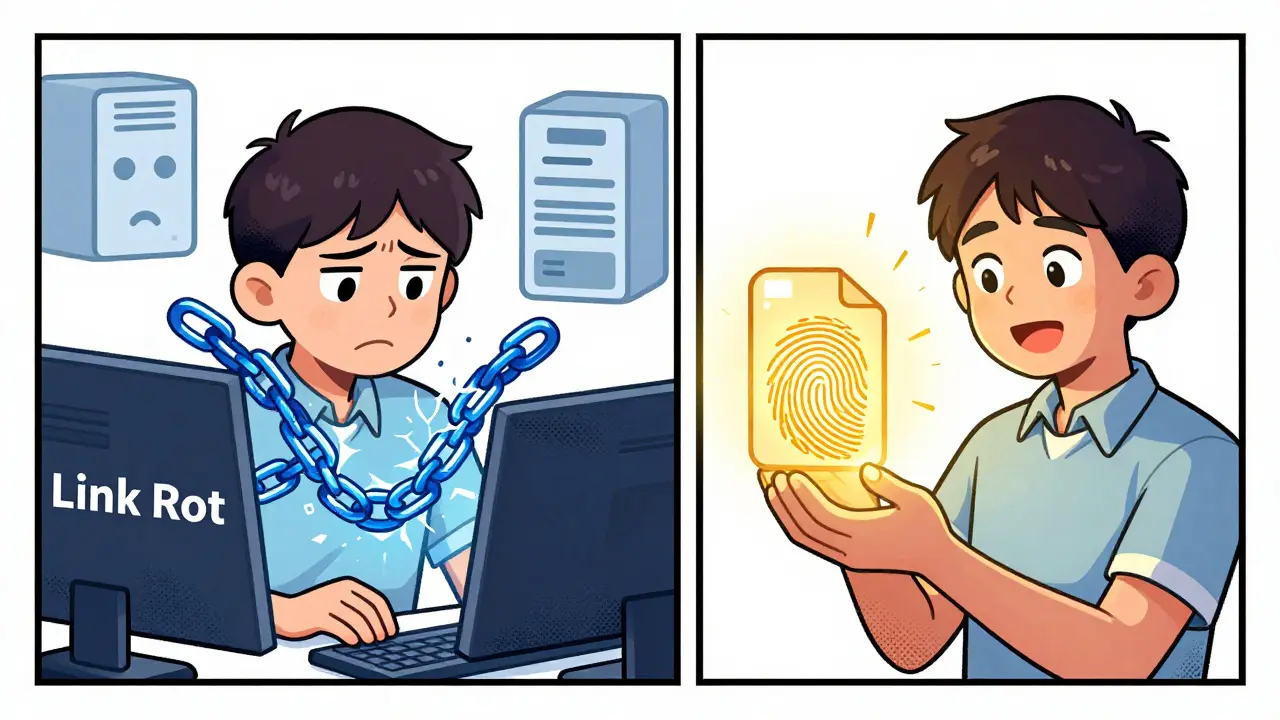
Imagine trying to find a specific file on the internet. You type in a URL, hit enter, and hope the server is online. If that server crashes, gets hacked, or simply decides to take the site down, your link breaks. This is "link rot," and it’s the biggest weakness of our current web. Now, imagine a system where you don’t ask for a file by its location (like an address), but by what it actually *is*. That is exactly how InterPlanetary File System, also known as IPFS, works.
If you are diving into blockchain knowledge, understanding IPFS is crucial. It isn't just another cloud storage service like Google Drive or Dropbox. It is a protocol-a set of rules-that changes how computers talk to each other to share data. Instead of relying on one central server, IPFS uses a peer-to-peer network. This means every computer connected to the network can store and serve parts of files. For developers building Web3 applications, this offers a way to host data that is censorship-resistant, faster, and immune to single points of failure.
The Core Concept: Content Addressing vs. Location Addressing
To understand how IPFS works, you first have to unlearn how the traditional web works. Right now, we use location addressing. When you visit `www.example.com/page.html`, you are asking a specific computer at a specific IP address to send you a file. If that computer goes offline, the page is gone.
IPFS flips this model. It uses content addressing. In this system, you request a file based on its unique digital fingerprint, not its physical location. Think of it like looking up a person by their DNA sequence rather than their home address. No matter where that person is standing-in New York, Tokyo, or London-you will always find them because their DNA hasn't changed. Similarly, if you have the correct hash for a file in IPFS, any node in the network holding that file can serve it to you.
This shift solves two major problems:
- Permanence: As long as someone in the network keeps the file pinned (stored), it remains accessible. The link never rots because the content itself defines the link.
- Integrity: Because the address is derived from the file's contents, you can mathematically prove that the file you downloaded is identical to the original. If even one bit changes, the address changes, alerting you to tampering.
Step-by-Step: How a File Travels Through IPFS
Let’s break down the technical process of adding a file to IPFS. It might sound complex, but the logic is straightforward. Here is what happens behind the scenes when you upload a document, image, or video to the network.
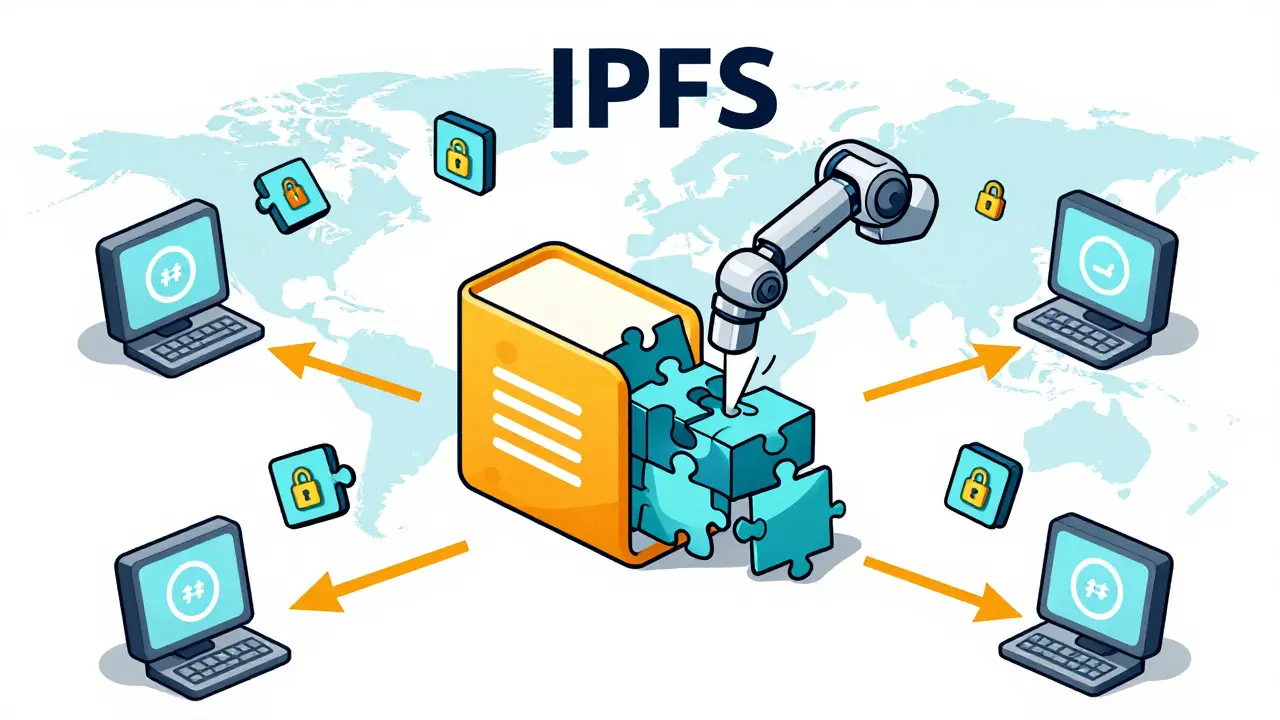
- Dag-PB Encoding: When you add a file, IPFS doesn't just toss it into a bucket. It converts the file into a format called DAG-PB (Directed Acyclic Graph Protocol Buffers). This allows IPFS to handle large files by breaking them into smaller, manageable chunks.
- Hashing: Each chunk is hashed using a cryptographic algorithm. By default, IPFS uses SHA-256. This creates a unique 256-bit string for each piece of data. If you have two identical images, they produce the exact same hash. This feature enables automatic deduplication-if two users upload the same file, the network only stores one copy, saving space.
- Creating the CID: These hashes are combined to create a Content Identifier, or CID. The CID is the permanent address of your file. It looks something like `QmXoypizjW3WknFiJnKLwHCnL72vedxjQkDDP1mXWo6uco`. This string contains the version of the IPFS protocol, the hashing algorithm used, and the actual hash of the content.
- Adding to DHT: Your local IPFS node adds the mapping of the CID to the Distributed Hash Table (DHT). The DHT is like a global phone book that tells the network which nodes are storing which CIDs. Your node announces, "Hey, I have this file!" so others can find it.
When another user wants to download that file, they request the CID. Their client queries the DHT, finds your node (and potentially others), and downloads the chunks directly from you. This peer-to-peer transfer is often faster than downloading from a distant centralized server, especially for popular content.
Key Components of the IPFS Architecture
IPFS isn't magic; it’s built on several robust technologies working together. Understanding these components helps explain why it’s so resilient.
| Component | Function | Why It Matters |
|---|---|---|
| Distributed Hash Table (DHT) | A decentralized directory system | Allows nodes to find peers without a central coordinator. It scales efficiently as the network grows. |
| Merkle DAGs | Data structure linking blocks via hashes | Ensures data integrity. Changing one block invalidates the parent hash, making tampering obvious. |
| Libp2p | Networking layer | Handles connections between nodes, enabling NAT traversal and secure communication. |
| Goroutines | Concurrency mechanism | Written in Go, IPFS handles thousands of simultaneous connections efficiently. |
The use of Merkle DAGs is particularly important for blockchain enthusiasts. In a Merkle tree, every leaf node is a hash of a data block, and every non-leaf node is a hash of its child nodes. This structure allows for efficient verification. You don't need to download the entire file to verify its integrity; you just check the root hash against the CID.
IPFS vs. Traditional Cloud Storage: A Practical Comparison
You might be wondering, "Why not just use AWS S3 or Google Cloud?" They are reliable, fast, and easy to use. And for many applications, they are the right choice. However, they come with inherent risks that IPFS mitigates.
Consider a scenario where you are hosting a critical document for a decentralized application (dApp). If you store it on a centralized server, you trust that company to keep it online and not censor it. If that company faces legal pressure, goes bankrupt, or suffers a cyberattack, your data is vulnerable. With IPFS, the data is distributed across hundreds or thousands of nodes globally. To censor the content, an attacker would need to shut down every single node holding that file simultaneously, which is practically impossible.
However, IPFS has trade-offs. It is not inherently persistent. Just because you added a file to IPFS doesn't mean it stays there forever. If the node that initially uploaded it goes offline, and no one else has "pinned" (stored) that file, it becomes unavailable. This is why services like Pinata or Infura exist-they act as pinning services to ensure your files remain online. Traditional cloud storage guarantees persistence as part of their subscription fee; IPFS requires you to manage persistence actively or pay third-party providers.
Real-World Use Cases in Web3
So, who is actually using IPFS? It’s not just theoretical. Several sectors rely on it for its unique properties.
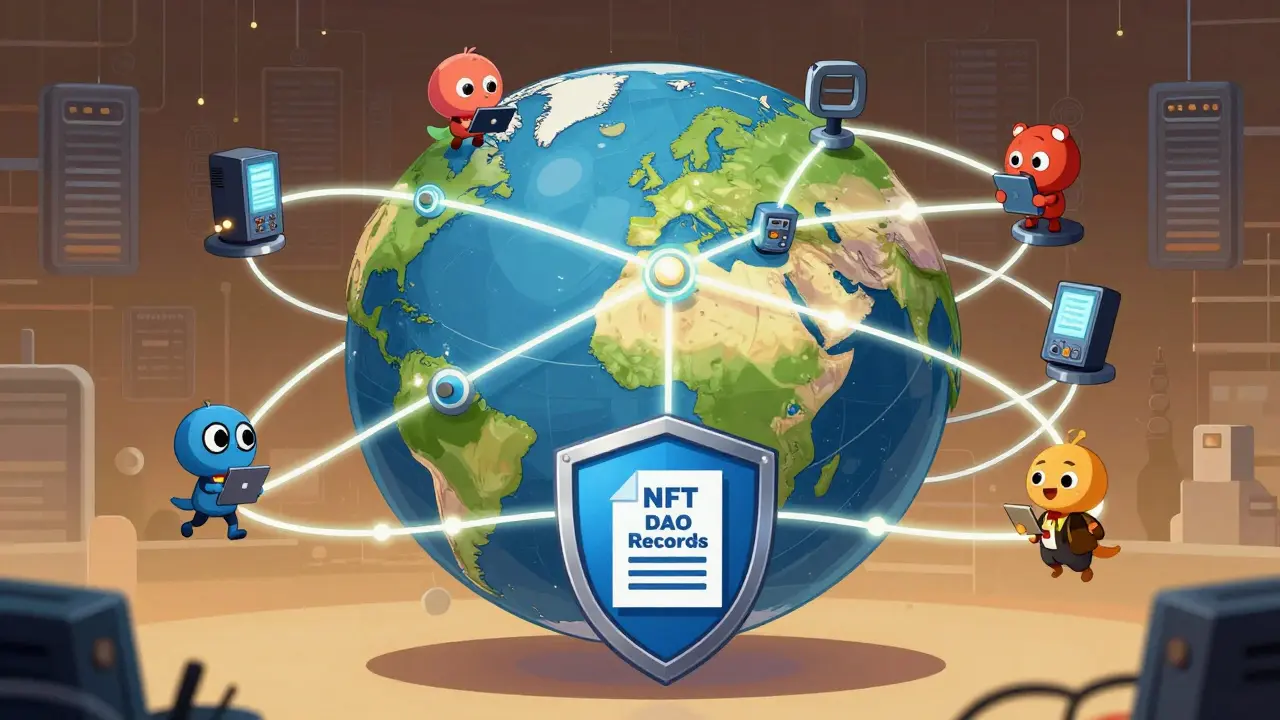
- NFT Metadata: Most Non-Fungible Tokens (NFTs) point to metadata (name, description, image URL) stored on IPFS. If this metadata were hosted on a central server and that server went down, the NFT would display as broken or empty. IPFS ensures the asset's details remain linked permanently.
- Decentralized Autonomous Organizations (DAOs): DAOs need to store governance proposals, treasury records, and voting history. Storing this on IPFS ensures transparency and prevents any single leader from altering historical records.
- Censorship-Resistant Publishing: Journalists and activists in restrictive regimes use IPFS to publish articles that cannot be taken down by government firewalls. Once published, the content is replicated across the globe, making it nearly impossible to erase completely.
- Software Distribution: Developers use IPFS to distribute large software packages. Since IPFS deduplicates data, if 10,000 users download the same Linux distribution, the network load is significantly lower than if everyone downloaded it from a single mirror.
Getting Started: How to Interact with IPFS Today
You don't need to be a coding expert to try IPFS. There are three main ways to interact with it:
- Install the Daemon: You can install the IPFS desktop app or run the command-line interface (CLI) on your computer. This turns your machine into a full node. You can then drag and drop files into the IPFS folder, and they will be shared with the network.
- Use Public Gateways: If you don't want to install anything, you can view IPFS content through HTTP gateways. Simply replace `ipfs://` with `https://ipfs.io/ipfs/` followed by your CID. For example, `https://ipfs.io/ipfs/QmXoypiz...`. Note that gateways can sometimes be slow or blocked, so they are best for casual viewing.
- Web3 Integration: If you are a developer, you can use libraries like `ipfs-http-client` in JavaScript to programmatically add and retrieve files from your dApps. This allows seamless integration with Ethereum smart contracts, where the contract stores the CID, and the frontend fetches the data from IPFS.
Remember, when you run a node, you are contributing to the network. You are storing data for others and retrieving data for yourself. It’s a cooperative ecosystem. The more nodes there are, the faster and more resilient the network becomes.
Common Misconceptions About IPFS
As with any new technology, there are myths surrounding IPFS. Let’s clear them up.
Myth 1: IPFS is a database. It is not. IPFS is a file system. It is great for storing static files-images, videos, documents, code. It is not designed for frequent read/write operations on small pieces of data like a SQL database. For dynamic data, you still need a backend database, but you can store the backup or archive copies on IPFS.
Myth 2: IPFS is anonymous. It is not inherently anonymous. While the content is addressed by hash, the nodes serving the content have IP addresses. If you are running a public node, your IP is visible to those downloading your files. For true anonymity, you need to combine IPFS with Tor or other privacy tools.
Myth 3: IPFS replaces HTTP entirely. Not yet. IPFS excels at static content delivery. For dynamic web pages that require server-side processing (like logging into a bank account), HTTP and traditional servers are still superior. The future likely involves a hybrid approach: dynamic content served via HTTP, and static assets (CSS, JS, images) served via IPFS.
Is IPFS free to use?
Running an IPFS node is free. You can install the software and start sharing files without paying anyone. However, if you need guaranteed persistence (pinning) for critical data, you may need to pay third-party pinning services like Pinata or Infura, as your own node might go offline occasionally.
Can I delete a file from IPFS once it's uploaded?
Not easily. Because IPFS is decentralized, once a file is shared, other nodes may have copied it. You can unpins it from your own node, but you cannot force other nodes to delete it. This immutability is a feature for security but a challenge for compliance with laws like GDPR.
How does IPFS handle large files?
IPFS automatically splits large files into smaller chunks (usually 256KB by default). Each chunk is hashed individually, and these hashes are linked together in a Merkle DAG. This allows for parallel downloading and efficient bandwidth usage.
Is IPFS faster than traditional hosting?
It can be. For popular content, IPFS is often faster because it loads data from multiple nearby peers simultaneously (similar to BitTorrent). For obscure content that only one node has, it might be slower due to the overhead of finding the peer. Using a Content Delivery Network (CDN) with IPFS gateways can optimize speed further.
What is the difference between IPFS and Bitcoin?
Bitcoin is a financial ledger that records transactions. IPFS is a file system that stores data. They are different layers of the internet stack. However, they can work together: Bitcoin can store the value, and IPFS can store the associated data or proof of ownership.