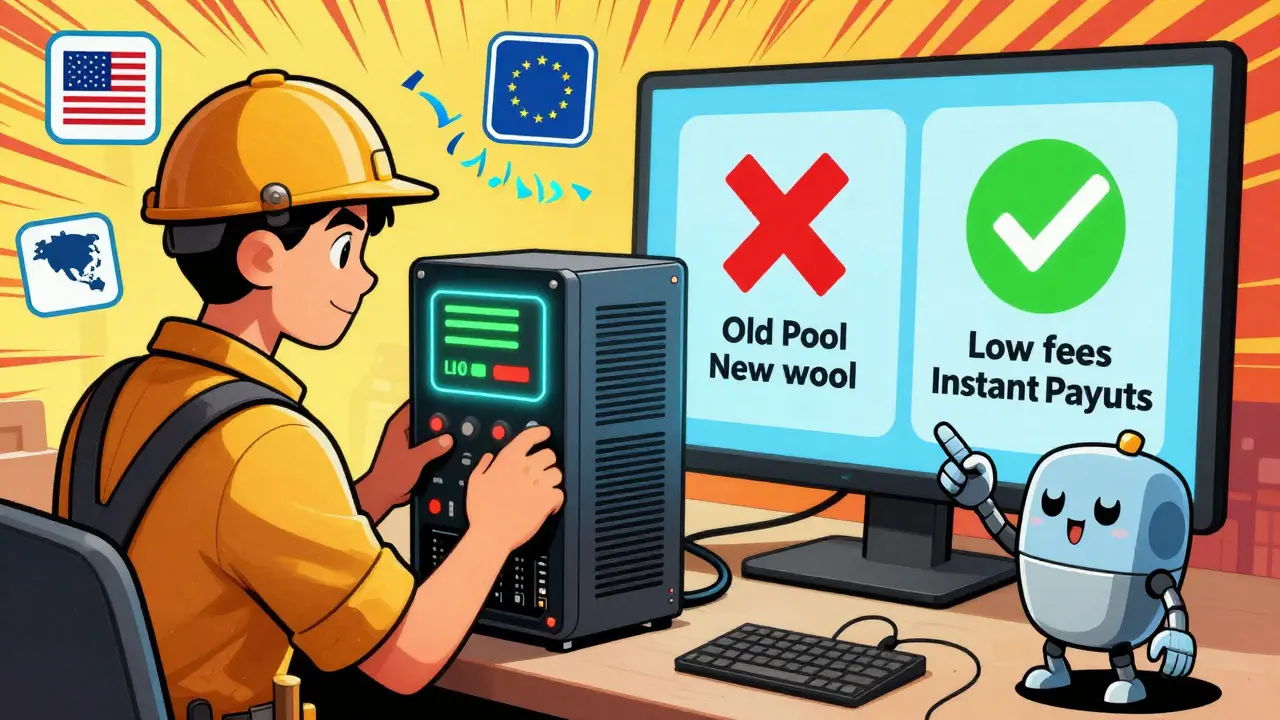
Switching mining pools isn’t just about chasing higher payouts-it’s about keeping your hardware running smoothly, your rewards consistent, and your downtime near zero. If your current pool is paying out late, charging high fees, or dropping shares because of poor server location, you’re leaving money on the table. The good news? Switching is easier than most miners think, and done right, it can boost your monthly earnings by 10% or more.
Why Switch Mining Pools at All?
Not all mining pools are created equal. Some charge 3% fees. Others pay out only once a month. Some have servers in Europe, causing high latency for miners in the U.S. or Asia. A single pool might be great one week, then start dropping shares or delay payments the next. That’s normal-but it shouldn’t be accepted.Miners who stick with one pool out of habit often lose hundreds of dollars a year. The difference between a 1% fee pool and a 2.5% fee pool on a 50 TH/s ASIC rig adds up to over $1,200 annually. That’s not a small amount. And if your pool’s payout threshold is $50 but you’re only earning $30 a week? You’re sitting on $150 in unpaid rewards with no way to access it.
Switching lets you fix all that. You can move to a pool with:
- Lower fees (1-1.5% is standard for reliable pools)
- More frequent payouts (daily or even hourly)
- Better server locations (lower ping = fewer stale shares)
- Transparent payout history and active support
Antpool, F2Pool, and ViaBTC are still popular, but newer pools like 2Miners and Poolin offer better user interfaces, real-time dashboards, and lower minimum payouts. Don’t assume the biggest pool is the best.
How to Switch Without Losing Hashrate
The biggest fear when switching? Your miner stops working. You lose hashrate. You miss blocks. You lose money.Here’s how to avoid that:
- Check your current pool’s pending balance. Make sure you’ve claimed or will receive all your rewards before switching. Some pools hold funds until you hit a minimum payout-don’t leave money behind.
- Get your new pool’s connection details. You’ll need: the pool URL (like stratum+tcp://eu1.2miners.com:3000), port, your wallet address, and worker name/password. Most pools generate these when you sign up.
- Use your miner’s web interface. Open a browser, type in your ASIC’s IP address (like 192.168.1.100), log in, and find the mining pool settings. Replace the old pool address with the new one. Save and restart.
- Don’t restart all your miners at once. If you have multiple rigs, switch one at a time. Watch its hashrate on the new pool’s dashboard for 15-30 minutes. If it shows up and stays stable, move to the next.
- Enable failover. Most modern ASICs (like Antminer S19 or WhatsMiner M30S) let you set a secondary pool. Enter your old pool as backup. If the new one goes down, your miner automatically reconnects. No downtime.
For software miners (like CGMiner or BFGMiner), edit the configuration file (.conf or .json) and replace the pool URL. Save, then restart the software. Always keep a backup of your old config before making changes.
Pool Payout Methods: PPS vs PPLNS-Which Should You Pick?
This is where most miners get confused. Two common payout systems:- PPS (Pay Per Share): You get paid immediately for every valid share you submit. No waiting. The pool absorbs the risk of finding blocks. Fees are higher (1.5-3%) because the pool is guaranteeing your payout.
- PPLNS (Pay Per Last N Shares): You get paid based on your contribution to the last N shares before a block is found. Rewards are delayed, but fees are lower (0.5-1.5%). If the pool has a lucky streak, you earn more. If it’s quiet, you wait longer.
PPS is safer if you’re mining on a small rig or want steady income. PPLNS is better if you’re running multiple high-power ASICs and can handle payout delays. Check the pool’s block history: if they find a block every 2-4 hours, PPLNS is fine. If they go 12+ hours without one, stick with PPS.

Monitoring After the Switch
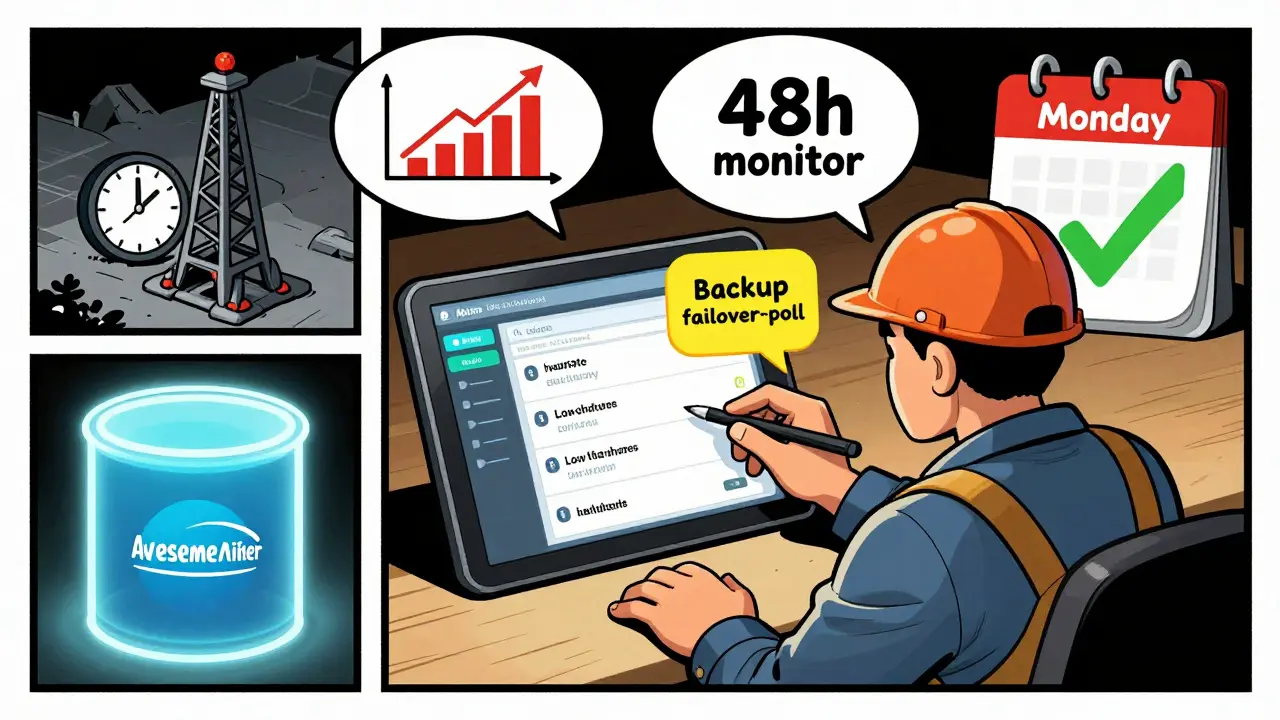
Don’t just switch and forget. Watch your stats for at least 48 hours.- Is your hashrate stable? A 5% drop could mean bad network connection or incorrect settings.
- Are stale shares rising? Above 2-3% means your miner is too far from the pool server. Try a different region (e.g., switch from us-east to eu-central).
- Are payments coming on schedule? Check the pool’s payout history page. Some claim daily payouts but delay for 2-3 days.
- Is your worker showing up correctly? If your worker name appears as "worker01" but you set "rig1", something’s wrong.
Use tools like Awesome Miner or Minerstat to track multiple rigs across pools in one dashboard. They alert you to drops in hashrate, high stale shares, or missed payouts.
Automated Profit Switching: Should You Use It?
Profit switching means your miner automatically moves to whichever pool is paying the most at any given moment. Platforms like Awesome Miner and NiceHash do this by comparing real-time profitability across dozens of pools.It sounds perfect-until it isn’t.
Here’s the catch: frequent switching causes connection delays. Each time your miner reconnects, it loses 1-3 minutes of hashing. If it switches every hour, you lose 2-6% of your daily hashrate. That eats into profits.
Also, some pools ban or throttle miners who switch too often. They see it as abuse.
Best use case: Use profit switching only if you’re mining altcoins (like Ravencoin or Ergo) and your main coin (Bitcoin) is unprofitable. For Bitcoin mining, stick with one reliable pool. The extra 2-3% from switching rarely beats the cost of downtime and unstable connections.
Common Mistakes to Avoid
- Switching during a big block find. If your pool just found a block, wait 2-4 hours. Your shares might still be counted in the reward.
- Using a new pool without checking reviews. Reddit, Bitcointalk, and Discord are full of horror stories about pools that vanish or delay payouts. Don’t trust a pool with no track record.
- Forgetting your worker password. Some pools require a password even if you’re using a wallet address. If your miner shows "Authentication failed," check the password field.
- Switching on a weekend. Pool maintenance often happens Friday night to Sunday. Wait until Monday to avoid unexpected downtime.
When to Stay Put
Not every problem means you need to switch. If your pool:- Pays out reliably every 2-3 days
- Has fees under 1.5%
- Has low stale shares (under 2%)
- Has responsive support
Then stick with it. Frequent switching adds complexity, not profit. The goal isn’t to chase the highest number-it’s to find a pool that works consistently over months and years.
Best Mining Pools for 2026 (Based on Real Miner Data)
Here’s what’s working for miners right now:
| Pool Name | Fee | Payout Method | Min Payout | Server Regions | Reliability |
|---|---|---|---|---|---|
| 2Miners | 1% | PPS | $0.50 | US, EU, Asia | High |
| F2Pool | 2% | PPLNS | $5 | Global | Very High |
| Poolin | 1.5% | PPLNS | $1 | US, EU, Asia | High |
| Antpool | 2.5% | PPLNS | $5 | Global | Very High |
| Viabtc | 1.5% | PPS | $1 | US, EU | Medium |
2Miners is the top pick for beginners-low fees, low minimums, and instant PPS payouts. F2Pool and Poolin are better for large miners who can wait for larger payouts. Avoid pools with no public payout history or no support channels.
Can I switch mining pools without restarting my ASIC?
Yes, most modern ASIC miners allow you to change pool settings remotely through their web interface. After updating the pool address, you only need to click "Save" or "Apply"-the miner restarts its connection automatically. No physical reboot is needed.
Will I lose my pending rewards if I switch pools?
No-your pending rewards stay with your old pool until they’re paid out. You can’t transfer them to the new pool. Always check your balance on the old pool before switching. If you’re below the payout threshold, wait for the next payout or manually claim if the option exists.
How long does it take for my hashrate to show up on the new pool?
Usually within 5-15 minutes. Some pools take up to 30 minutes to register your worker and start counting shares. If it’s been over an hour and your hashrate is still zero, double-check your pool address, port, and worker credentials.
Is it safe to use a new or unknown mining pool?
Only if you’re willing to risk losing your earnings. New pools often promise low fees and high payouts to attract miners-but many vanish after a few months. Stick with pools that have been around for at least 12 months, have active community forums, and show public payout records.
Can I mine on two pools at the same time?
Yes, but not with a single ASIC. You can split your mining rig’s power by using multiple devices-some connected to Pool A, others to Pool B. Some software miners support dual mining, but it’s complex and rarely worth the effort for Bitcoin. Stick to one primary pool and use a failover as backup.





Freddy Wiryadi
January 28, 2026 AT 03:47christal Rodriguez
January 28, 2026 AT 05:40Brianne Hurley
January 30, 2026 AT 02:31Calvin Tucker
January 31, 2026 AT 12:12Tressie Trezza
February 1, 2026 AT 18:13Meenal Sharma
February 3, 2026 AT 14:02Rob Duber
February 4, 2026 AT 02:33Gary Gately
February 5, 2026 AT 06:06