
Imagine waking up, checking your phone, and discovering your entire crypto portfolio has vanished. No warning, no error message-just a balance of zero. This isn't a nightmare; it's a daily reality for people who rely solely on passwords. In the world of blockchain, there are no "forgot password" buttons that can magically undo a theft. Once the coins are gone, they are gone for good. This is why 2FA, or two-factor authentication, is no longer just a "good idea"-it's your only real line of defense.
If you're still using just a password to access your exchange or wallet, you're essentially leaving your front door unlocked in a neighborhood where everyone knows exactly where the gold is hidden. Let's break down why you need to switch to a more secure setup right now and which methods actually work.
The Fatal Flaw of Passwords in Crypto
In traditional banking, if someone steals your credit card or hacks your account, you can call the bank, dispute the charge, and get your money back. Cryptocurrency doesn't work that way. Blockchain is a decentralized, immutable ledger that records transactions permanently. This means transactions are irreversible. There is no central authority to call and no "chargeback" mechanism.
Hackers don't usually "crack" the blockchain itself; they crack the humans using it. They use brute-force attacks, phishing emails, or data leaks from other websites to find your password. If your password is the only thing standing between a hacker and your Bitcoin, you're playing a dangerous game. 2FA changes the math by requiring a second, independent piece of evidence to prove you are who you say you are.
How 2FA Actually Works
At its core, 2FA relies on three different types of "factors." To be truly secure, a system should combine at least two of these:
- Something you know: Your password, a PIN, or a secret answer to a security question.
- Something you have: A physical device, like your smartphone or a specialized USB key.
- Something you are: Biometric data, such as your fingerprint, FaceID, or retina scan.
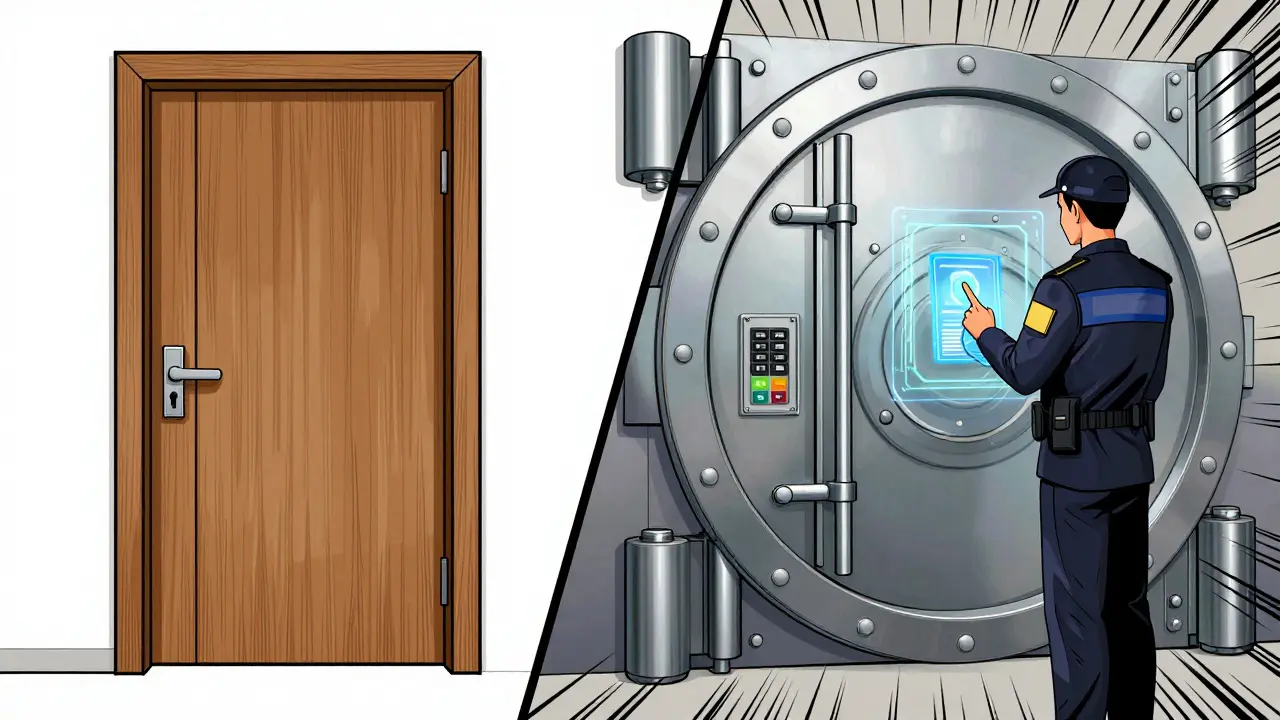
When you log in with 2FA, the platform first checks your password. If that's correct, it asks for the second factor. Even if a hacker in another country steals your password, they can't get in because they don't have your physical phone or your thumbprint. It's the difference between having a lock on your door and having a lock, a deadbolt, and a security guard checking IDs.
Comparing 2FA Methods: Which One Should You Use?
Not all 2FA is created equal. Some methods are like a screen door-better than nothing, but easy to break through-while others are like a bank vault. If you're using SMS-based verification, you're at risk.
| Method | Security Level | Common Examples | Main Weakness |
|---|---|---|---|
| SMS / Email | Low | Text codes | SIM Swapping |
| Authenticator Apps | High | Google Authenticator, Authy | Device Loss |
| Hardware Tokens | Maximum | YubiKey, Ledger Nano | Physical Loss |
The SMS Trap and SIM Swapping
Many people use SMS 2FA because it's convenient. However, it's the weakest link. Hackers use a technique called SIM Swapping is a social engineering attack where a fraudster convinces your mobile carrier to port your phone number to a SIM card they control . Once they have your number, they receive your 2FA codes directly. The FBI's Internet Crime Complaint Center has noted thousands of these incidents, resulting in millions of dollars in losses. If you have more than a few hundred dollars in crypto, move away from SMS immediately.
The Sweet Spot: Authenticator Apps
Apps like Google Authenticator is a software-based TOTP (Time-based One-Time Password) generator that creates unique 6-digit codes every 30 seconds provide a massive jump in security. Because the code is generated locally on your device and not sent over a network, it can't be intercepted by SIM swapping. According to industry data, app-based 2FA provides nearly 99% protection against basic account takeovers.
The Gold Standard: Hardware Keys
For those holding significant amounts of wealth, hardware tokens like YubiKey is a physical security device that uses public-key cryptography to provide strong authentication are the best choice. These require a physical touch or a USB connection to authorize a login. They are virtually immune to remote phishing attacks because the hacker would need to physically steal the key from your pocket to get into your account.
Common Pitfalls and How to Avoid Them
The biggest fear people have with 2FA isn't getting hacked-it's getting locked out. We've all heard the horror stories of someone losing their phone and losing access to their funds forever. This happens because people ignore the most important part of the setup: the recovery codes.
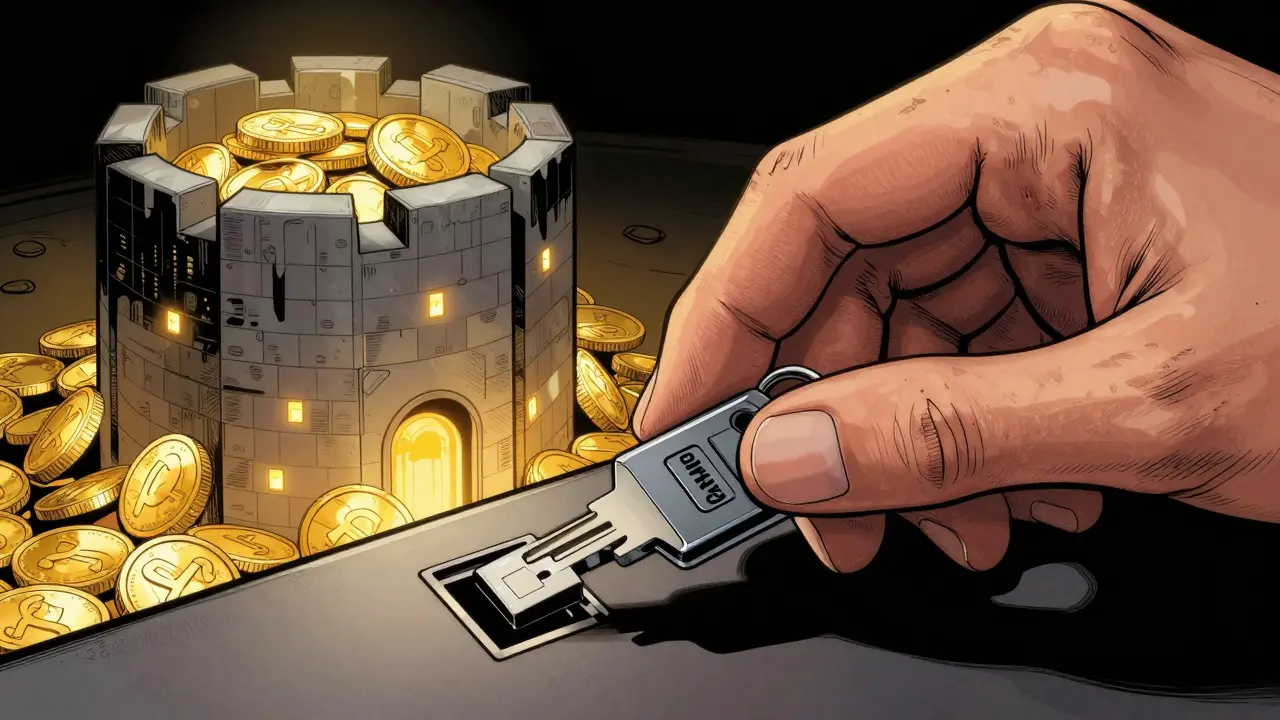
When you set up an authenticator app, the platform gives you a set of "Backup Codes" or a "Secret Seed Phrase." Treat these like your private keys. If your phone dies or is stolen, these codes are the only way back into your account. If you store these codes on your phone (the same device you're protecting), you've defeated the purpose of 2FA.
Pro Tips for Safe Management:
- Write your recovery codes on a piece of paper and store them in a fireproof safe.
- Use an authenticator like Authy that allows for encrypted cloud backups and multi-device sync.
- Avoid using the same 2FA device for your crypto and your primary email. If the device is compromised, your email (which is often the "master key" for password resets) is also gone.
The Future of Crypto Security: Passkeys and Biometrics
The industry is moving toward something even better than traditional 2FA: Passkeys are a new standard based on FIDO2/WebAuthn that replaces passwords with cryptographic key pairs stored on your device . Instead of typing a password and then a code, you simply use your face or fingerprint. This eliminates the possibility of phishing because there is no password to steal and no one-time code to intercept.
Many top exchanges are already rolling this out. By combining these passkeys with behavioral biometrics-like detecting if a login attempt is coming from a weird location or an unknown device-platforms are making it incredibly hard for hackers to succeed. However, remember that no matter how advanced the tech gets, the human element is always the weakest link. Stay skeptical of any "support agent" asking for your 2FA codes; no legitimate company will ever ask for them.
Can a hacker still get into my account if I have 2FA enabled?
Yes, but it is significantly harder. Sophisticated attacks like real-time session hijacking or advanced phishing kits can sometimes bypass app-based 2FA. This is why hardware keys are recommended for high-value accounts and why you should always be cautious about clicking links in emails.
What happens if I lose my 2FA device?
If you have your recovery codes (backup codes) saved in a safe place, you can use them to regain access to your account. If you don't have recovery codes, you'll have to go through the exchange's identity verification process, which can take days or weeks and may require submitting government ID and selfies.
Is Google Authenticator better than SMS?
Absolutely. Google Authenticator and similar apps generate codes locally on your device. SMS codes are sent over a cellular network and can be intercepted via SIM swapping, making them much less secure than any authenticator app.
Do I need 2FA for a hardware wallet like Ledger?
Hardware wallets don't use 2FA in the same way as exchanges because they use a physical seed phrase for access. However, if you use a software interface or a companion app to manage your assets, enabling 2FA on those accounts is still a critical layer of security.
How long does it take to set up 2FA?
It usually takes less than three minutes. You simply download an app, scan a QR code provided by your exchange, and enter the first 6-digit code to verify the link. The most time-consuming part should be safely recording your recovery codes.
Next Steps for Your Security
If you're feeling overwhelmed, just take these three steps today. First, check every exchange or wallet you use and disable SMS-based 2FA in favor of an authenticator app. Second, find those recovery codes and write them down on paper-not in a digital note. Third, if you're holding a significant amount of crypto, invest in a YubiKey or a similar hardware token. Your future self will thank you for spending ten minutes on security now rather than spending ten years regretting a total loss.



Lela Singh
April 11, 2026 AT 18:26Time to lock down those digital vaults! 🚀 Ditching SMS for an authenticator app is a total game-changer for your peace of mind. Let's get those assets bulletproof!
7stargee Emmanuel Obani
April 12, 2026 AT 07:58Imagine thinking a Yubikey saves you from a zero-day exploit lol. Still just a bunch of numbers on a screen 🙄
Emily H
April 12, 2026 AT 14:50It is imperative to maintain a rigorous approach to digital hygiene. While the transition to hardware tokens may seem cumbersome to some, the mitigation of risk far outweighs the initial inconvenience. I would also suggest implementing a multi-signature wallet for those managing institutional-grade portfolios to ensure that no single point of failure exists within their security architecture.
aletheia wittman
April 14, 2026 AT 02:22omg i literally almost lost everything last year becuz i didnt have a backup code!! i was actually shaking it was such a nightmarerr
Akshay Gorad
April 14, 2026 AT 09:49I agree with the point about recovery codes. It's easy to forget them during the initial excitement of setting up an account, but it's the only thing that saves you in the long run.
Swati Sharma
April 15, 2026 AT 20:22Spot on! Integrating a TOTP-based system really minimizes the attack vector for most retail users. When you align these with a cold storage strategy and properly managed seed phrases, you're essentially creating a robust security perimeter that handles the volatility of the ecosystem way better. It's all about optimizing that risk-to-reward ratio through better tooling.
jennelle williams
April 15, 2026 AT 23:47security is just a feeling of safety in a wild world
stay safe everyone